


























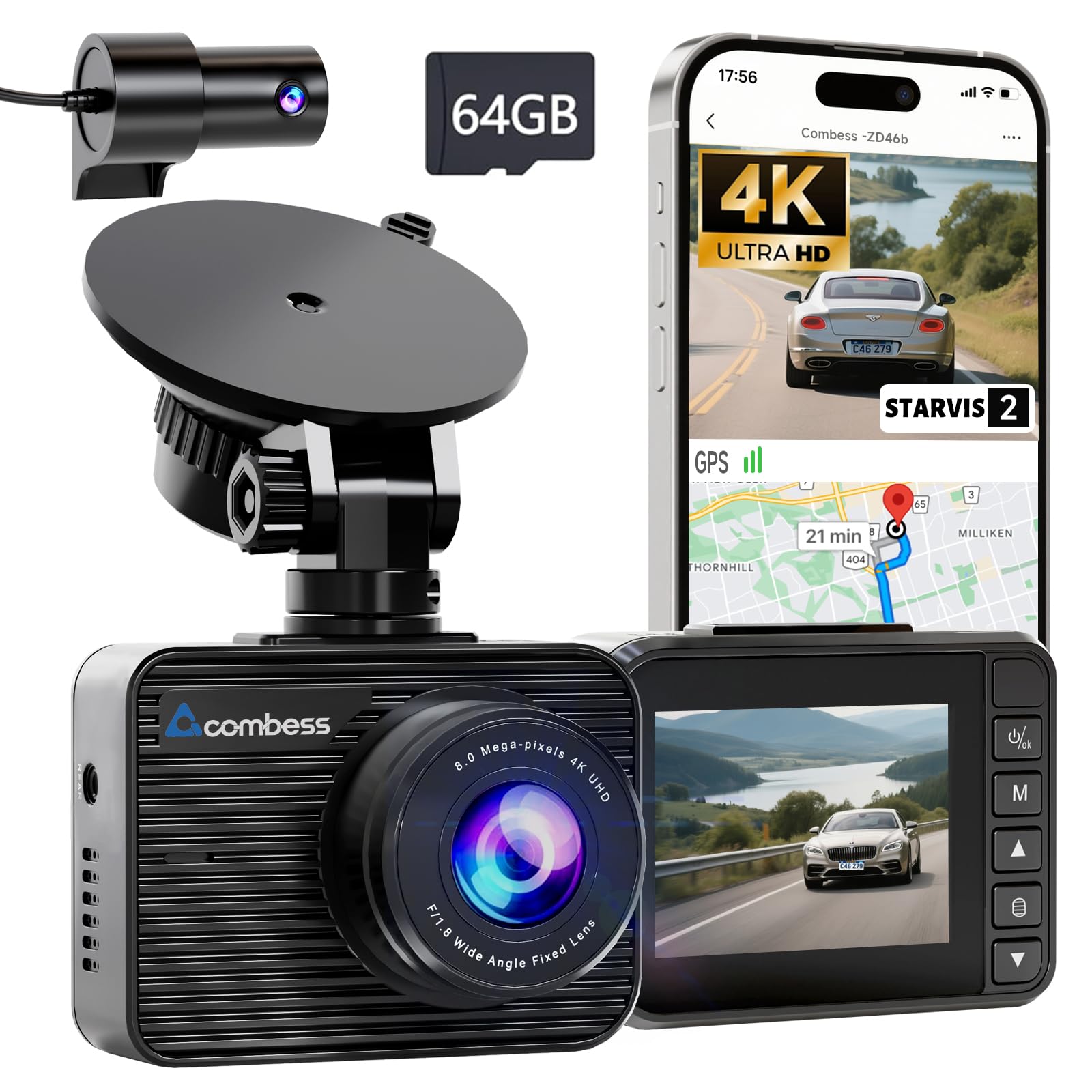
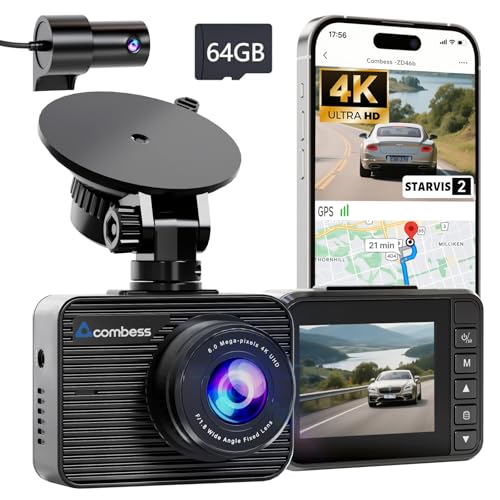

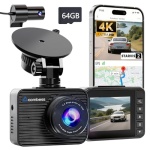
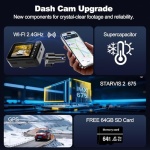
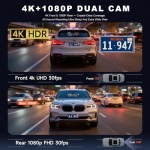
Product description
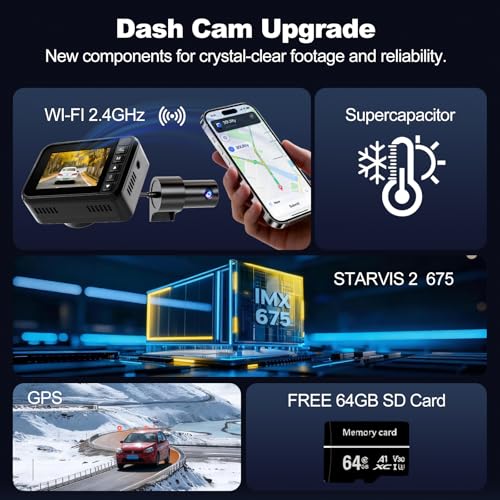
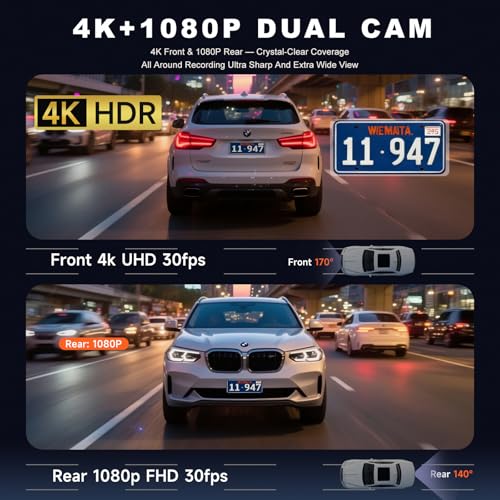
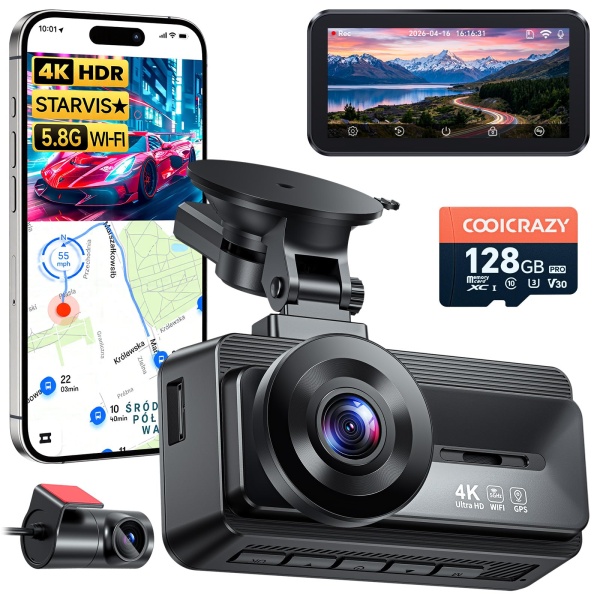
2 HDR Vision
3 SONY Night Vision
4 Super Capacitor
2 Built in GPS
3 Loop Recording
4 24H Parking Mode
-
Does this dash cam require a constant WiFi connection to record my drives?
NO.This 4k dash cam automatically starts recording to the microSD card as soon as you start your car. You only need the WiFi connection when you want to view, download, or share videos via the app on your phone.
-
How do I connect the dashcam wifi to my phone? Is have a tutorial?
Of course there is. And it’s very simple to operate. We provide an instruction manual—refer to Chapter G—along with video tutorials. If you have any questions, feel free to reach out to us.
-
What happens when the memory card gets full? Do I have to delete files manually?
The dash camera will Loop Recording, which automatically overwrites the oldest unprotected footage when the card reaches capacity. However, any clips triggered by the G-Sensor (like sudden impacts) are automatically locked and won’t be deleted.
-
Does the dash camera for cars record audio?Can I turn off the audio recording?
Absolutely. While the camera features a high-quality built-in microphone, we value your privacy.You can easily Press the M button to stop recording.
-
Do I need to keep my phone connected via Bluetooth for the camera to record while driving?
No. The dash cam records automatically to the SD card once your car starts. A Bluetooth/phone connection is only optional for viewing files on the app. It functions perfectly as a standalone recorder even if not use Bluetooth.
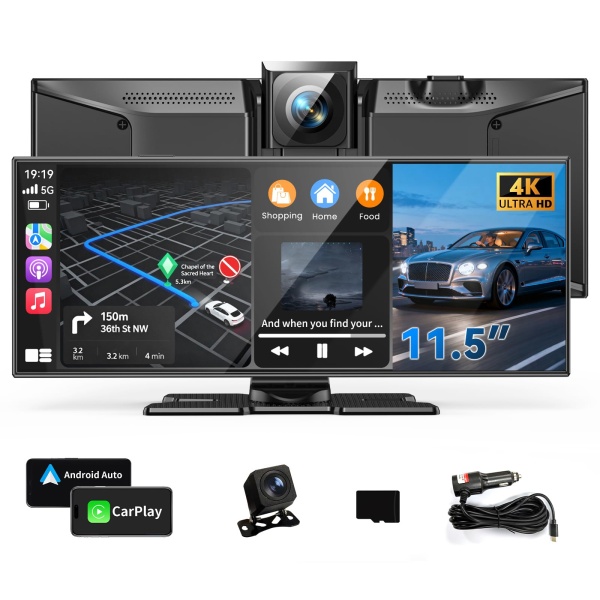
Reviews
Clear filtersThere are no reviews yet.