


























Product description
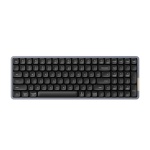
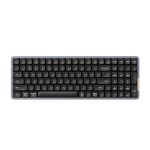
Lofree understands the importance of enhancing the typing sensation of low-profile keyboards. Through extensive research, we have discovered that achieving an exceptional typing experience involves the seamless integration of key components like switches, gaskets, and more.
Lofree has revolutionized switches by optimizing fundamental materials and overall structure, setting development standards, establishing parameter guidelines, and implementing a modulation scheme to deliver an unmatched switch feel.
-
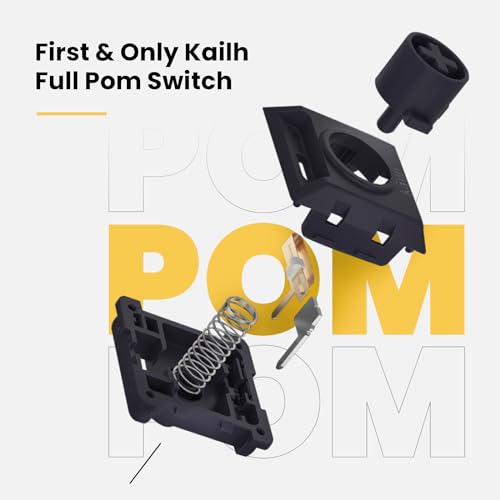
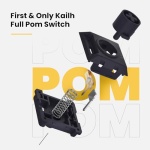
First & Only Kailh Full Pom Switch
The world’s first low-profile switch made entirely of POM material for self-lubrication& smooth feel
-
Switch Puller not Include
Say goodbye to limitations and embrace a keyboard that adapts to your every preference
-
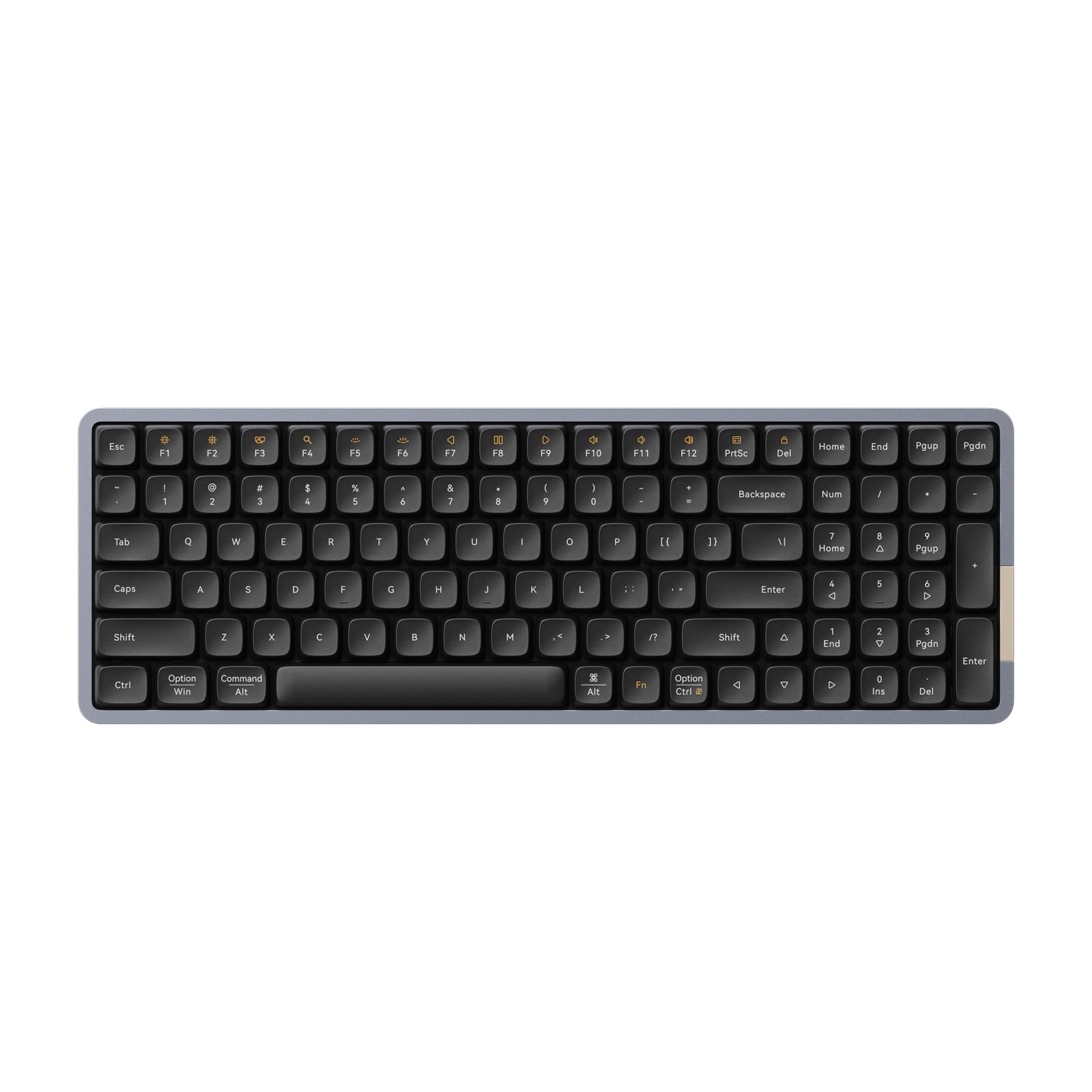
Ambient Color: Fn+→
Ambient light mode: Steady/breath /off: FN+←;
You can brighten the keyboard backlit by pressing FN + 6, and dim it by pressing FN + 5.
2 Ghost Linear Switch
3 Phantom Tactile Switch
4 Hot Swappable
5 RGB Sidelit & Bcaklit
-
To Bring Soft & Cushioned
It features smooth switches combined with gasket dampening, providing exceptional typing experience
-
The Percentage of PBT Content Is More than 85%
It deliver a seamless and enjoyable typing journey. Let your ideas flow freely with every keystroke.
-
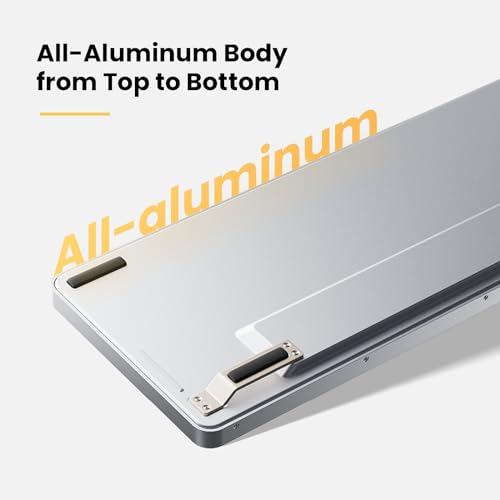
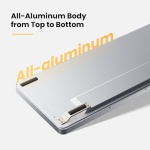
Premium Durability and Sturdiness
The all-aluminum body from top to bottom enjoys the sleek and premium look
-
Type-C Port Design
Enjoy up to 40 hours of battery life on a single charge for less than 3 hours
-
With its slim 10mm thickness and 3.9-degree tilt
it reduces wrist pressure and provides a more comfortable typing position for body’s natural posture
2 PBT Low-profile Keycaps
3 All Aluminum Design
4 Fast Charging
5 Ultra Slim for On-the-Go
2 KnowTechie
3 GBATEMP
4 mmrpg
5 PHANDROID
Specification
-
How can I trigger windows/Android or Mac/IOS system? Why the keys Win, Alt, Function keys do not work?
Please check the system of your device. Here is the solution: Note:Fn+N is to trigger the corresponding system function key of windows/Android. Fn+M is to
trigger the corresponding system function key of Mac/IOS.
-
Does the keyboard compatible with Linux system?
No, it does not. Only windows/Android or Mac/IOS system is compatible
-
Does the keyboard programmable?
No, this Flow series is not programmable. The keyboard does not suppport customized keymap. But our Flow lite version keyboard is equipped with VIA function
and it could be supported directly via web link without installing app.
-
Does this keyboard have sleep mode?
To extend battery life, the keyboard enters two-stage sleep nhode:
Stage 1 (1 minute idle): Turns off indicator/backlight; wakes with any keystroke.
Stage 2 (10 minutes idle): Disables Bluetooth; requires reconnectionvia any keystroke.
-
How to trigger the Bluetooth connection mode?
1.To toggle the mode switch to wireless mode;
2.Long press Fn+1/Fn+2/Fn+3 until indicator blinks slowly on blue;
3. Find and pair “Flow100@Lofree “;
4.Indicator keeps on for 3s and turn off;
5. Fn+1/Fn+2/Fn+3=Switch Bluetooth Device.


Reviews
Clear filtersThere are no reviews yet.